Uncategorized
Graphic Design Roadmap for Beginners
Feb
Graphic Design Roadmap for Beginners: Should You Learn Photoshop or Illustrator First?
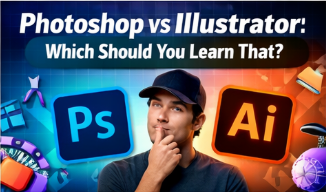
If you’re new to graphic design, chances are you’ve asked this exact question: “Should I learn Photoshop or Illustrator first?” This confusion stops many beginners before they even start.
In this article, you’ll discover a clear learning roadmap, understand the purpose of each tool, and confidently choose the right starting point.
Photoshop vs Illustrator: What’s the Difference?
- Photoshop works with pixels (raster-based)
- Illustrator works with vectors (scalable graphics)
When Should Beginners Start with Photoshop?
Photoshop is the best first step if you want to:
- Create social media posts
- Edit and retouch photos
- Design banners, thumbnails, posters
Why? Because Photoshop provides fast visual feedback and helps beginners understand basic design principles quickly.
When Illustrator Makes More Sense
Start with Illustrator if your main goal is:
- Logo design
- Icon and vector illustrations
- Brand identity systems
Recommended Learning Roadmap
- Photoshop fundamentals
- Design principles (color & layout)
- Illustrator for vector mastery
- InDesign for layout & publishing
Final Advice
Most professional designers use both. The smartest choice is starting with Photoshop, then expanding your skill set.
CTA: Ready to begin? Check out our Photoshop Master Course and start designing with confidence today.
